How to Resolve the Issue of Jenkins Automatically Deleting Workspace Files
Created:
Issue Details
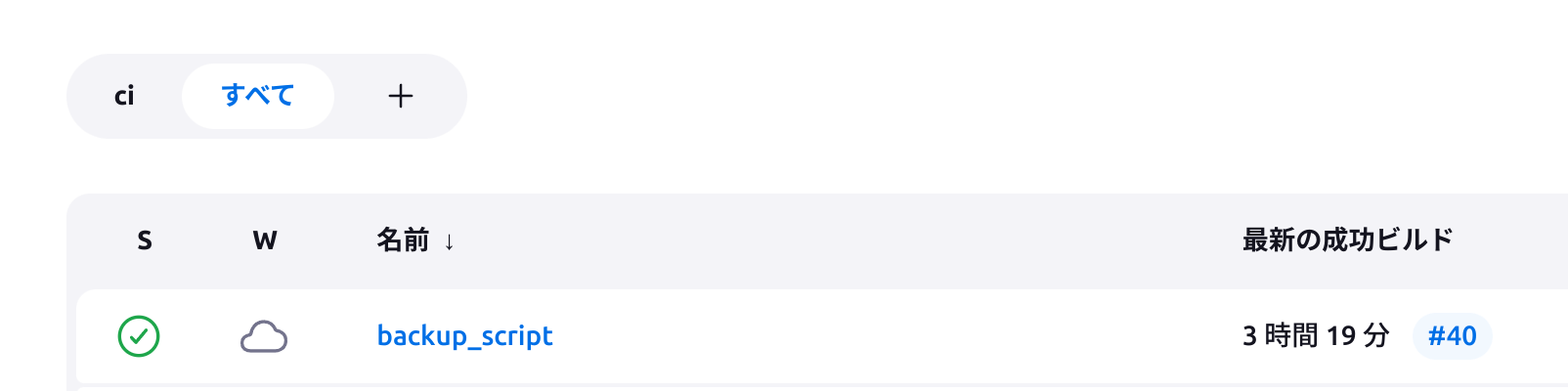
When you create a job in Jenkins, a corresponding directory is created on the server for that job. This directory is known as a “workspace.” From the Jenkins dashboard, you can browse files within this directory or download specific ones.
I encountered a frustrating issue where files within the workspace disappeared without notice. Although Jenkins has settings to clean up workspaces, I had not enabled any such configuration. Furthermore, since the deletion did not occur after every job execution, the cause was initially unclear.
My environment is running Jenkins version 2.440.1 hosted on Debian 11. The server has plenty of storage, with over 100GB of free space.
Verifying the Issue via Logs
Upon investigation, I found that workspace deletions are recorded in the logs. In my case, the log was located at /var/lib/jenkins/logs/tasks/ under the name Workspace clean-up.log.
The contents revealed the following:
Started at Wed Jun 26 19:23:15 JST 2024
(...)
Checking {workspace_name}
Checking {another_workspace_name}
Deleting /var/lib/jenkins/workspace/{another_workspace_name} on Jenkins
Checking {yet_another_workspace_name}
Checking {yet_another_workspace_name}
(...)
Finished at Wed Jun 26 19:23:16 JST 2024. 131ms
This log confirmed that the workspace cleanup process was indeed deleting directories. In fact, the “Console Output” of the first build following such a deletion showed that Jenkins was re-cloning the repository from scratch:
Cloning the remote Git repository
Cloning repository git@gitlab.com:***.git
Solution
Searching for the cause led me to the following resources:

Some answers suggest modifying /etc/default/jenkins; however, recent versions of Jenkins apparently no longer refer to this file (Reference: Jenkins changes in /etc/default/jenkins not working).
Therefore, the correct approach is to modify the Jenkins service configuration using the following command:
sudo EDITOR=vim systemctl edit jenkins
I updated the JAVA_OPTS under the [Service] section as follows:
Environment="JAVA_OPTS=-Djava.awt.headless=true -Dhudson.model.WorkspaceCleanupThread.disabled=true"
(Note: I kept -Djava.awt.headless=true as it was present by default.)
After saving the changes, I applied the configuration and restarted the service:
sudo systemctl daemon-reload
sudo systemctl restart jenkins
As a side note, you can verify the active JVM options from the Jenkins UI via /manage/systemInfo.
Since applying this change, the issue of workspaces being unexpectedly deleted has been resolved.